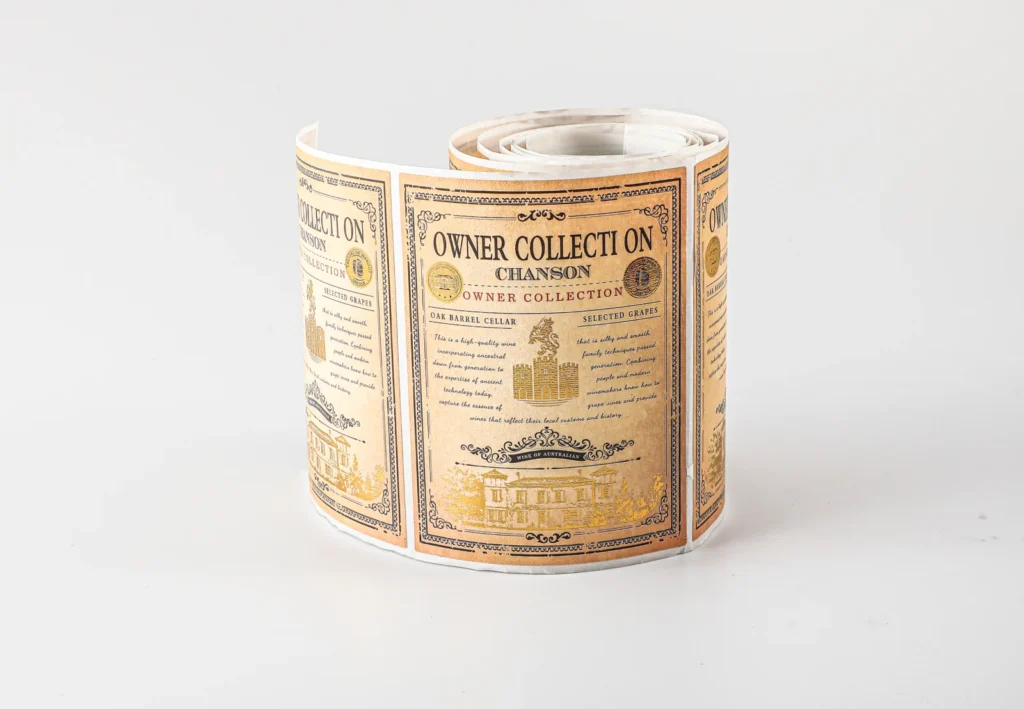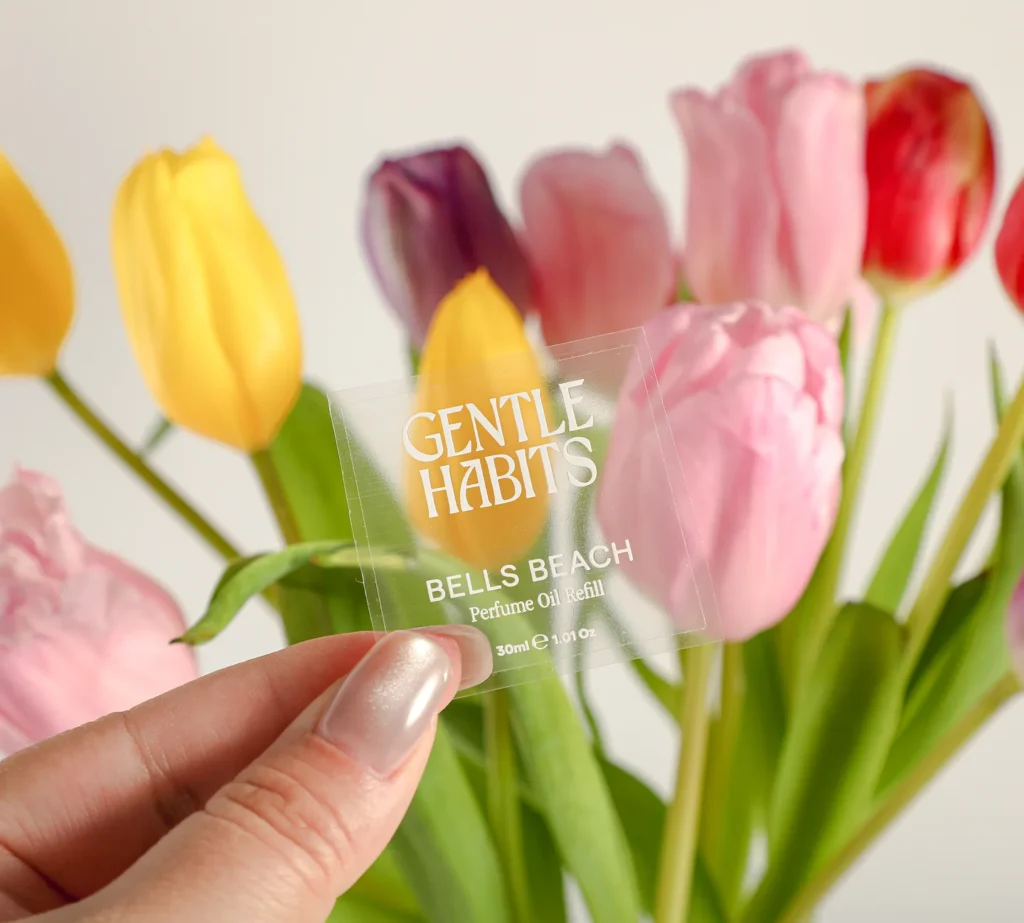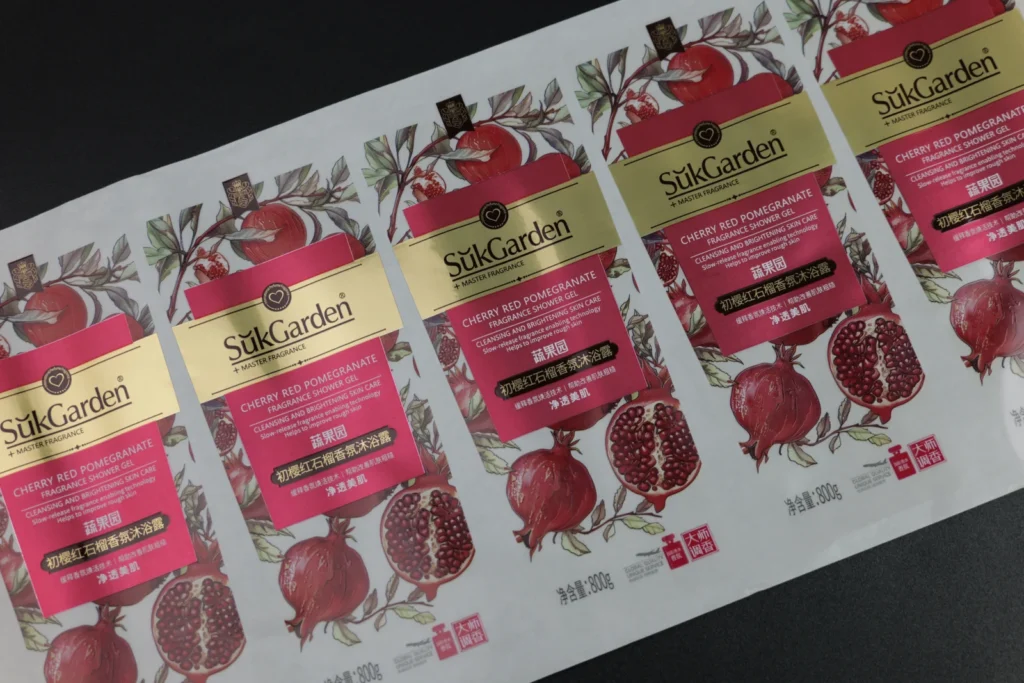
Spot color uses a separately mixed ink; process color builds colors from standard inks, usually cyan, magenta, yellow and black (CMYK). For packaging, the useful question is which parts of your artwork need a dedicated color and which can use process reproduction. A photographic label and a carton with one critical brand color can need different specifications. Pantone explains the two methods.
This guide helps you brief a printer for labels and folding cartons, compare quotations and agree what the sample must demonstrate.
Key takeaways
- Identify the colors that are critical to your brand before requesting prices.
- Ask whether a named spot color will use a separate ink or be simulated by the proposed process.
- Include the material, finish and approval reference in the color brief.
- Compare quotations against the same approved result, including any accepted color compromise.
Which color method fits your packaging artwork?
Start with the artwork you need to reproduce. A color count alone does not describe the job: a fruit photograph contains many visible colors, while a large plain logo may require a more specific color decision.
| Artwork requirement | Option to discuss with the printer | What to establish before approval |
|---|---|---|
| Photographs, shaded illustrations or complex gradients | Process reproduction | Which proof represents the intended output? |
| A logo or broad panel with a critical brand color | Dedicated spot ink, compared with a process alternative | What reference will both parties use to accept the color? |
| A photograph alongside a critical logo | Process artwork plus a spot ink, where the production route supports it | Which objects use each separation? |
| Several related SKUs with changing color panels | Price the actual set of designs | Does each variation change ink, artwork, setup or all three? |
The first three choices follow the roles described in Adobe’s spot and process color guidance. The last row is a purchasing question: give the printer the complete SKU list so the quotation reflects the real order.
Can CMYK and a spot color be used together?
Yes. They are compatible choices within a suitable production workflow. Adobe gives the example of process imagery combined with a separately printed brand color. In conventional separated printing, CMYK plus one spot ink means five ink separations. A white backing or a separate coating may add other requirements; it is not automatically included in that count.
Consider an illustrative carton brief: a fruit photograph appears beside a solid brand panel. Ask for two clearly identified options: a process version of the whole design, and a process version with the critical panel assigned to a spot ink. Compare their samples and prices before deciding. This is a planning example, not a claim that either route is cheaper for your order.
Mark the critical panel on the artwork. “Use our brand color” is less actionable than identifying exactly which panel, logo and repeat-order reference matter.
Does a Pantone number guarantee the same appearance on every pack?
No. A color reference needs a material context. Adobe explains that printed spot-color appearance depends on the ink and paper, while screen values only simulate it. A reference number is therefore a starting specification, not a promise that a clear label, an uncoated label and a coated carton will look identical.
Pantone’s C and U suffixes refer to coated and uncoated paper references. Its Color Bridge guide also compares spot colors with process simulations; not every spot color has an equivalent-looking CMYK reproduction. See Pantone’s explanation of stock references and conversion.
For a product with both a label and a box, send both components for review together. Ask which component is the master appearance reference, whether the other needs a separate approved sample, and who can authorize a difference. Keep those decisions with the order rather than in an unrecorded conversation.
For transparent materials, also identify where white ink is required. Our clear-label white-ink artwork guide explains how to separate clear areas from areas that need a backing.
Is a spot-color swatch in the PDF enough?
It identifies an artwork instruction, but you should also confirm how the job will be output. Adobe’s InDesign guidance lets operators manage spot inks in the print workflow, including conversion to process. A color name visible in a file does not, by itself, tell a buyer what has been quoted. Adobe: use spot colors for printing.
Ask the supplier to return a short separation summary with the proof. For example: “CMYK imagery; Brand Green retained as a separate ink; white backing beneath the stated areas.” If an alternative simulates the brand color, have that alternative identified before approval.
Keep production instructions for white, varnish, foil and cutting paths distinct. Let the printer supply its required names and file conventions; do not assume that a layer called “Spot 1” communicates all those operations. Use the packaging artwork checklist to review the rest of the handover.
Which proof should you approve for color?
Ask what each proof is intended to approve. Our suggested approval record separates three decisions so an artwork sign-off is not mistaken for acceptance of finished-pack appearance.
| Approval stage | Question to record | Evidence to retain |
|---|---|---|
| Artwork and separations | Are the correct objects, text and color instructions present? | Dated PDF and separation summary |
| Color reference | What physical or agreed digital reference defines the target? | Identified reference, material and agreed viewing or measurement procedure |
| Finished-pack sample | Does the proposed material and finish meet the agreed appearance? | Approved sample, revision and written exceptions |
When a supplier offers an ink drawdown, ask which substrate it uses and what it represents. When it offers a printed sample, ask whether the sample uses the intended production material and finish. Request a clear description of any difference.
If numerical color tolerances are part of your agreement, ask the supplier to state the color-difference formula and measurement conditions with the limit. Avoid copying a tolerance from another company’s specification without establishing how it will be assessed on your job.
How should you compare the cost of spot and process printing?
Request like-for-like quotations for the order you actually intend to place. Neither “one spot color” nor “full color” is a complete cost specification.
Send quantity per SKU, material, dimensions, number of artwork versions, finishing, sample requirements and delivery destination. Ask the supplier to identify setup or tooling charges, repeat-order charges and any changes assumed in the quoted alternative. If a lower-priced version substitutes a process simulation, compare the accepted sample as well as the number on the quotation.
For example, 2,000 labels across four designs is a different brief from 2,000 labels with one design. This arithmetic does not predict the price; it helps prevent a quotation based on the wrong version count.
The press route is another decision. Our digital vs flexo label printing comparison covers order quantities, versions and production planning. Use it alongside this color brief when discussing the complete label specification.
What should you send for a packaging color quotation?
Send the artwork, your critical color references and the intended label or carton material. Include a photograph or sample of any existing packaging that the new component must sit beside. State which differences are acceptable and which require another sample.
A useful enquiry can say: “Please quote this artwork on the proposed material. Identify how the marked brand color will be reproduced, provide the proof options and separate any alternative color specification.” Attach the SKU quantities and destination so the response can address the complete order.
MEIKEI accepts enquiries from 100 individual labels or 100 finished folding cartons. The production route and color approval requirements are confirmed against your artwork. Explore custom labels and stickers, or send a packaging quotation request with the files and references.