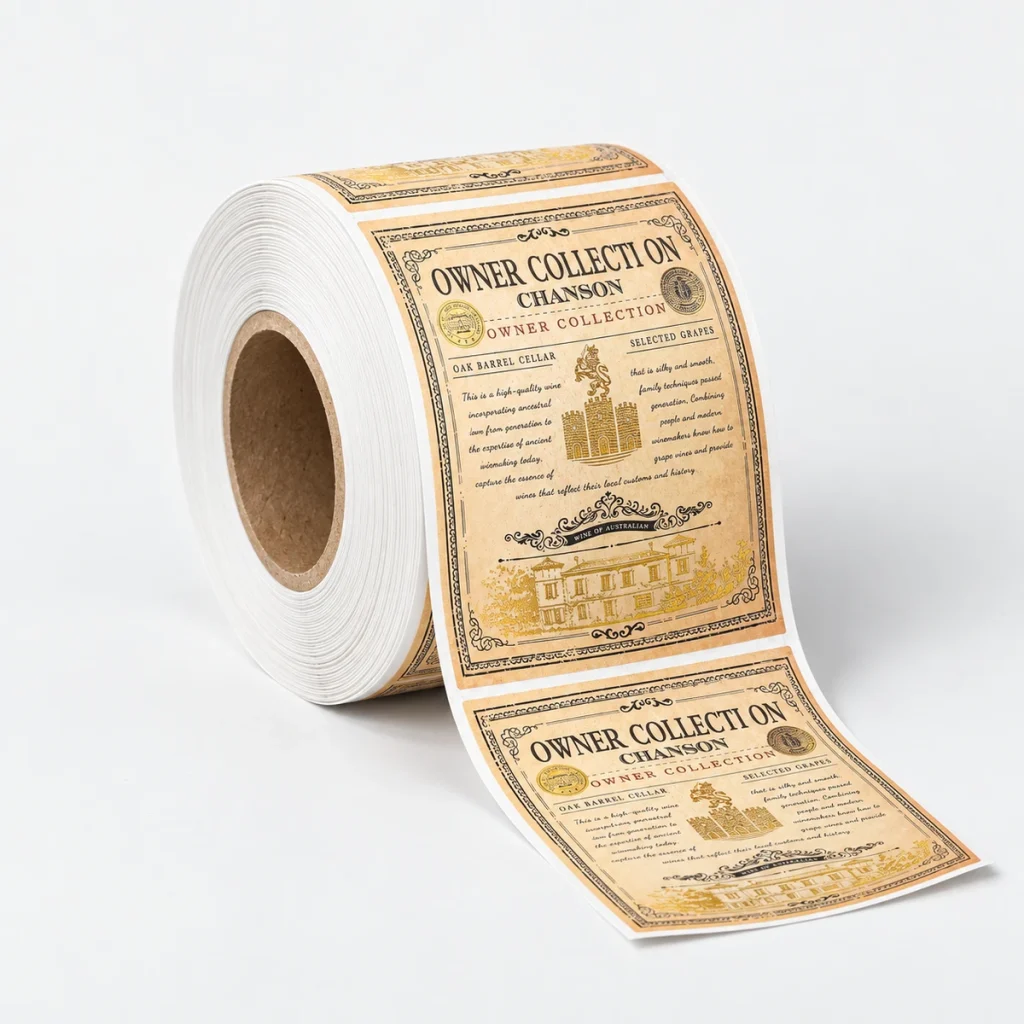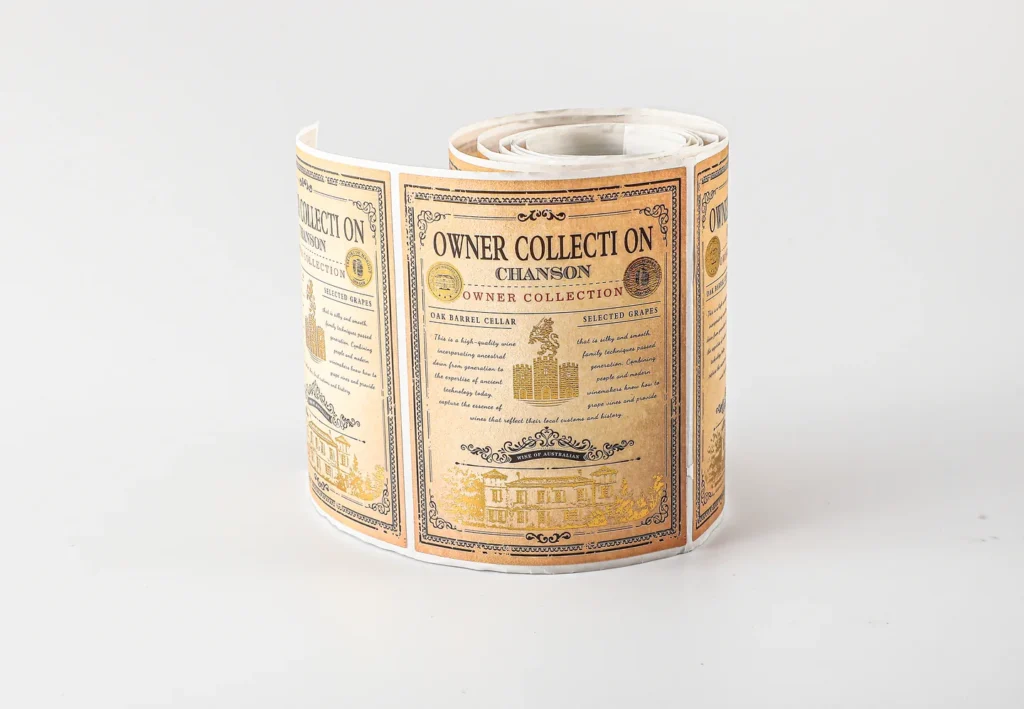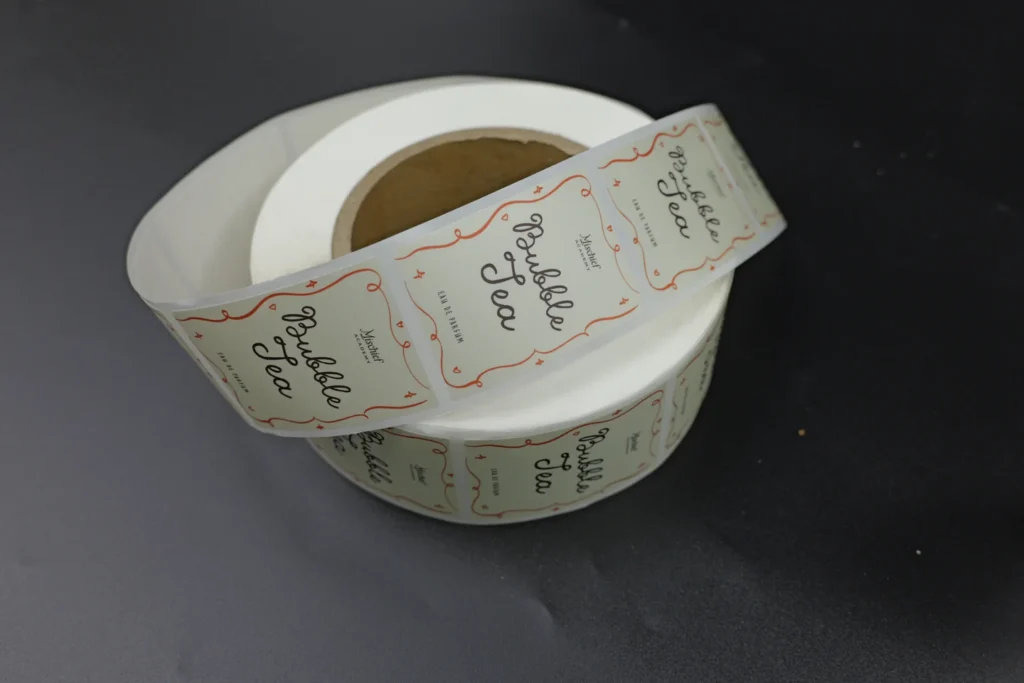
Label unwind direction describes how a label feeds off its roll for application. Specify both whether the printed face is wound inward or outward and which edge of the artwork leads. Confirm those choices with the applicator operator using an annotated drawing before the roll is produced.
A roll can have the right label size and still present the artwork the wrong way to the pack. This guide helps buyers prepare a roll specification for custom roll labels. It covers orientation, core size, maximum roll diameter and the information needed for a useful equipment check.
- Mark the leading edge on a drawing of the actual artwork.
- State face-in or face-out separately.
- Confirm core inside diameter, maximum roll outside diameter and web width against the applicator.
- Have the operator approve the loading sketch and a trial roll where needed.
What must an unwind instruction specify?
An unwind instruction needs a winding face and an artwork orientation. Face-out means the printed label face is on the outside of the wound web. Face-in means it faces toward the roll center. Neither term tells the printer whether the top, bottom, left or right edge of the artwork should feed first.
Avery’s unwind-direction guidance distinguishes these choices and explains why machine application and dispensing need the correct orientation. A supplier’s numbered chart can help, but send that exact chart with the selected position. An unexplained number does not show the receiving team what you approved.
Define “top” from the artwork as the customer should read it. For a wraparound design or a label without text, add a front-panel mark or another fixed reference. Do not define left and right from an unmarked photograph of a roll held at an unknown angle.
Which artwork edge should lead?
The leading edge is the edge that reaches the dispensing point first. Ask the operator how the web enters the machine and which part of the label touches the product first. Use the diagram below to communicate artwork direction, then confirm the complete roll loading arrangement.
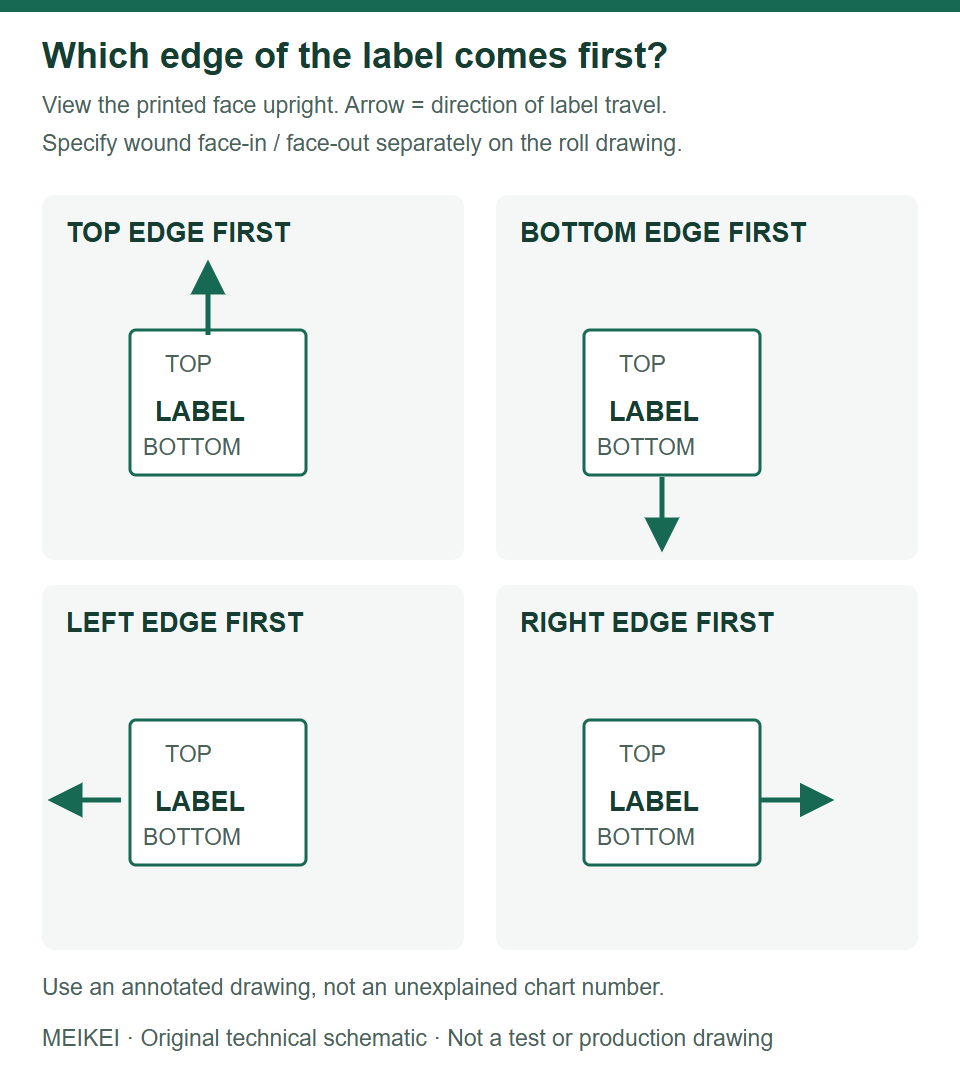
Each panel shows the printed face in the same upright viewing orientation. The arrow identifies the direction of label travel relative to that artwork. These panels are not numbered supplier unwind positions, and they do not determine face-in or face-out winding.
- Choose an unmistakable top edge on the artwork proof.
- Mark the leading edge and draw the feed arrow.
- Record whether the printed face is wound in or out.
- Send the marked proof and the machine loading diagram to both the printer and operator.
For bottle and jar applications, establish the finished width, usable height and seam arrangement before checking the roll. The bottle label size guide explains the measurements and full-size paper fit check.
Which roll measurements does the machine need?
Core inside diameter, maximum roll outside diameter and the permitted web width are different limits. Record them separately in the same unit. Label size alone does not describe the whole web because the backing liner and spacing also occupy width and feed length.
| Field | Meaning | Confirmation needed |
|---|---|---|
| Core inside diameter | The opening through the center of the core. | Fit to the machine’s roll holder, including required adapters. |
| Roll outside diameter | The diameter of the complete wound roll. | Maximum permitted by the holder, guards and feed path. |
| Web width | The full backing-liner width across the feed path. | Guide and machine width limits; edge margins. |
| Label size and gap | Finished label dimensions and spacing between labels along the web. | Die layout, feed pitch and label sensor compatibility. |
| Labels per roll | The requested number of individual labels on one roll. | Compatibility with the maximum roll diameter and chosen construction. |
| Winding and leading edge | Printed face in/out plus artwork orientation at feed. | Annotated proof and operator approval. |
For example, the Weber Model 121 specification lists its own core and roll-size limits. Those numbers belong to that model; they are not universal values for all label applicators. Use the manual for the exact equipment and configuration you will run.
Does hand application need the same information?
Machine application needs the roll specification checked against equipment; hand application still benefits from an agreed dispensing direction. A person can often rotate an individual label after peeling it. An applicator follows its configured feed path. If a contract packer will apply the labels, obtain its specification before ordering the printed rolls.
For a tabletop dispenser, check loading and sensor requirements rather than assuming hand placement removes all roll constraints. Transparent labels can need a compatible sensing method. Ask the operator or equipment supplier to confirm the proposed transparent stock and liner, not just the artwork direction.
If you have not chosen an applicator, state that in the inquiry. Compare roll and sheet supply around the intended application process before selecting a roll format.
A copyable roll-label specification brief
A useful brief identifies the unknowns before they become production assumptions. The following is an illustrative request, not a machine-approved setup or a customer case. Replace the example values and attach the operator’s signed-off drawing before production.
| Field | Example request |
|---|---|
| Artwork and finished size | ROLL-01 revision A; 60 mm wide × 80 mm high when viewed upright. |
| Orientation proposal | Top edge first; printed face wound out. Operator approval pending. |
| Application | Contract packer’s applicator; exact model and loading diagram to be supplied. |
| Core, roll diameter, web width and gap | Operator to supply permitted values. No default dimensions approved. |
| Quantity | 100 individual labels, one artwork. Labels per roll to be agreed after equipment review. |
| Material and adhesive | Clear film proposed; container material, filling conditions and adhesive requirements to be confirmed. |
| Approval | Marked artwork, white-ink mask if needed, winding sketch and application trial pending. |
How do you compare a physical roll with the approved specification?
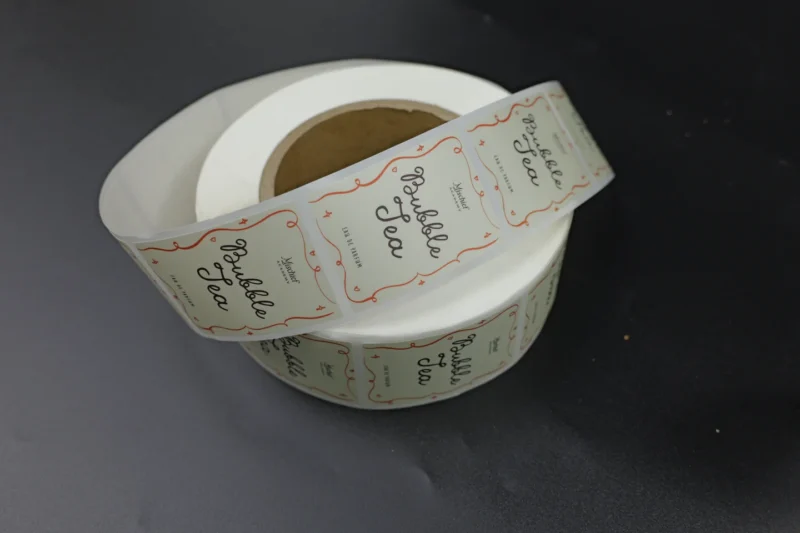
Put the sample roll, the approved artwork and the applicator specification together. A roll photograph can show how labels are supplied, but it cannot verify the core size, winding direction or compatibility with a particular machine.
| Check separately | Record before approval |
|---|---|
| Leading artwork edge | Mark the edge that reaches the applicator first on an artwork preview. Ask the operator to confirm the same edge on the physical roll. |
| Winding side and roll size | Confirm labels-in or labels-out, core inside diameter and maximum roll outside diameter against the machine specification. Do not infer measurements from the photograph. |
| Label count and artwork versions | Record the number of individual labels per design and the agreed labels per roll separately. MEIKEI’s minimum is 100 individual labels, not 100 rolls. |
| Trial result and approved revision | Have the packing operator record the sample identifier, artwork revision, trial conditions and any observed feed or placement problem. This is a review checklist, not a claim that a particular roll has passed testing. |
If the drawing and physical roll disagree, resolve the discrepancy with the printer and packer before approving production. Attach the annotated drawing and machine specification when configuring custom roll labels.
What should a trial roll confirm?
A trial should confirm the proposed roll loads, feeds, detects and presents the label correctly on the intended equipment. The operator should record the machine configuration, material, artwork revision and accepted orientation. Do not treat a photograph of a finished label as evidence that it runs on a particular applicator.
- Check holder fit, roll clearance and web tracking.
- Check that the sensor detects the label and its gap consistently.
- Check the artwork is upright and meets the product in the intended position.
- Review the applied label on the actual container under the specified conditions.
Keep application approval separate from white-ink artwork approval and adhesive selection. Record the outcomes with your sample approval checklist.
What should you send MEIKEI for a roll-label quote?
Send the artwork, finished dimensions, quantity per design, container details, destination and annotated unwind drawing. Include the machine specification or your packer’s contact specification sheet if available. MEIKEI’s MOQ is 100 individual labels; that is a total label quantity, not 100 rolls.
Use the file upload on the custom roll labels page or the project inquiry form. If the unwind direction is undecided, say so. We can review the brief while the operator confirms the equipment requirements.
Published by MEIKEI Printing as general packaging planning guidance. Material suitability, product performance and production details must be confirmed for your actual specification. Linked technical references support the relevant points; illustrations are not test evidence.