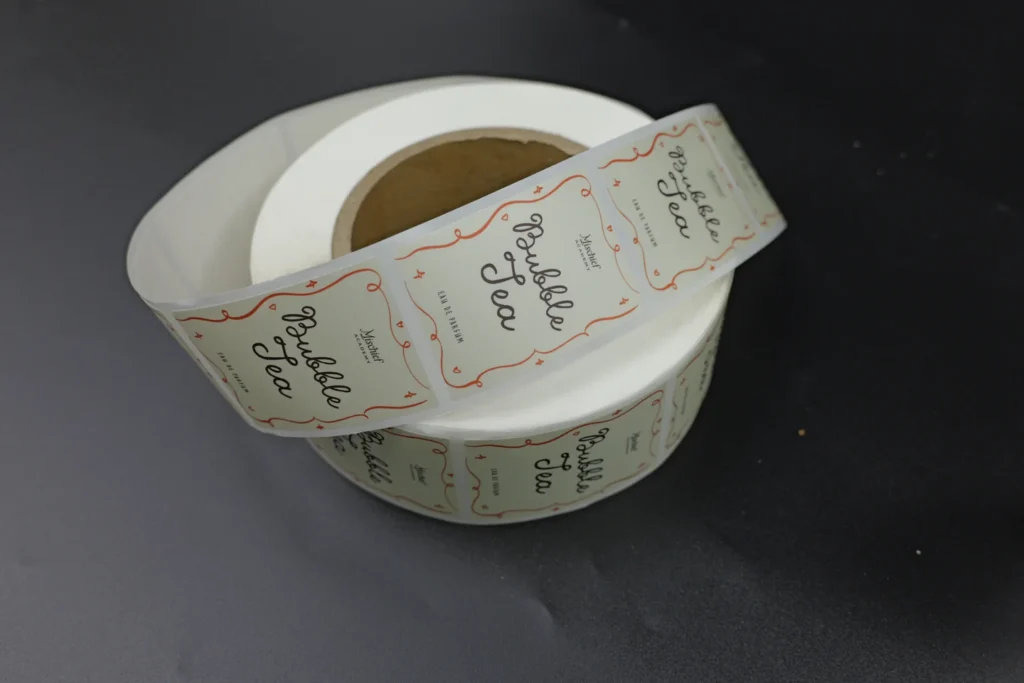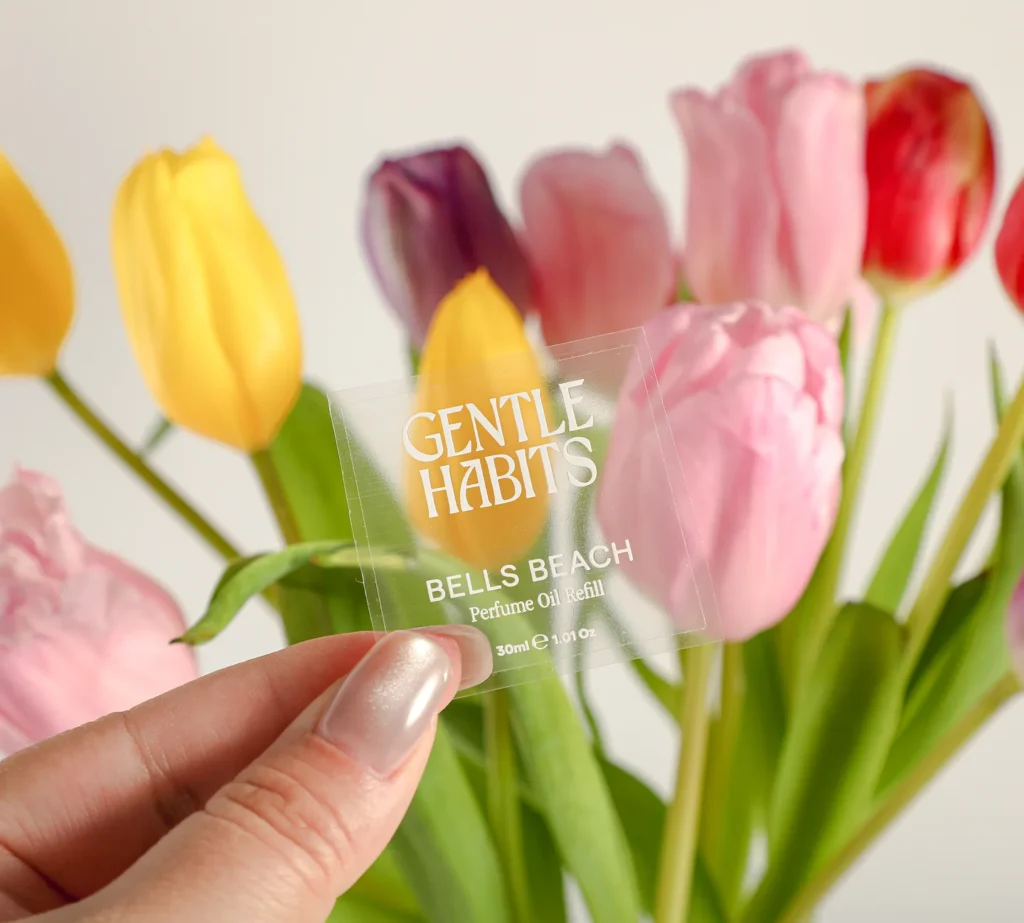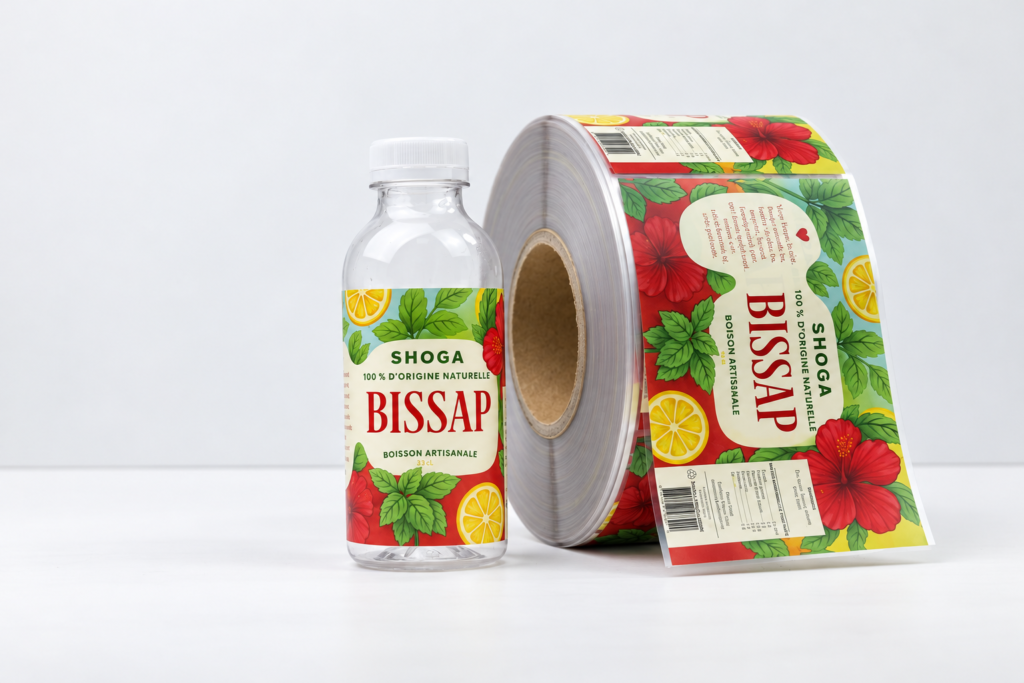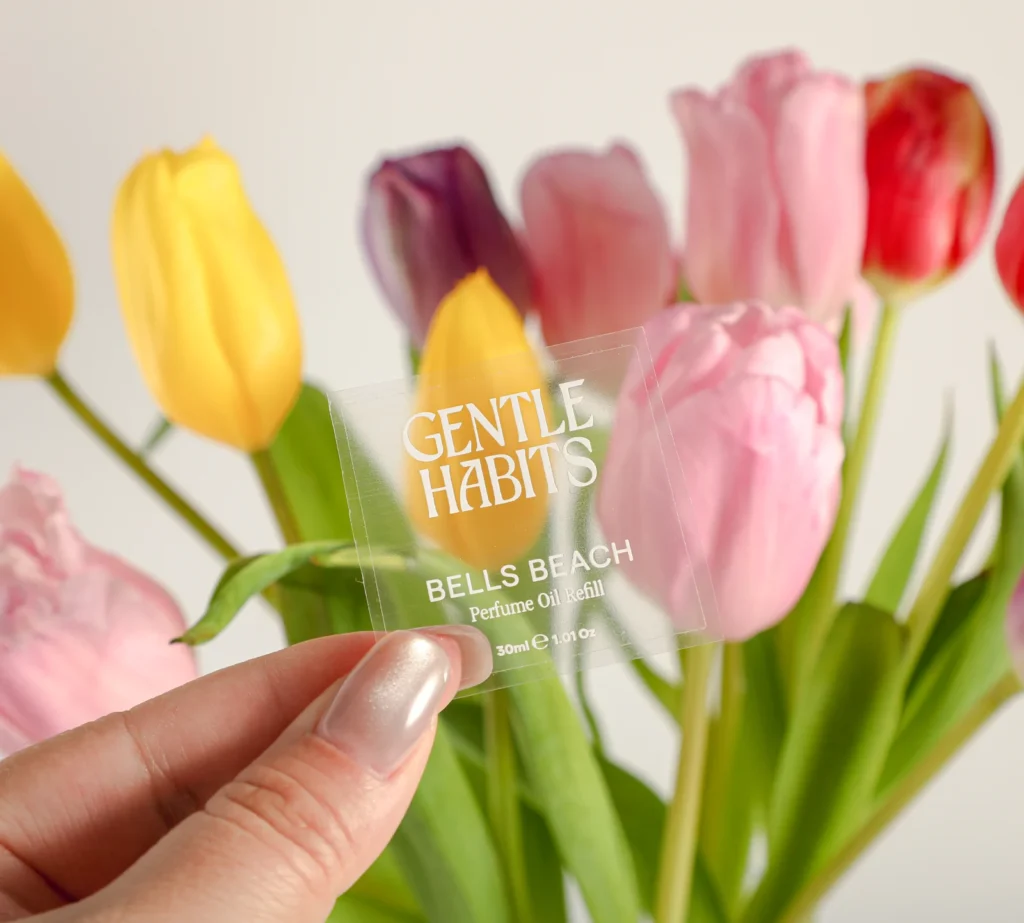
Clear barcode labels can work, but the barcode needs a controlled, readable background. The transparent film alone does not provide that background. For retail linear barcodes such as UPC and EAN, plan the dark bars, light spaces and light, unprinted margins as one complete symbol area. Keep the surrounding label transparent where the design requires it.
This guide focuses on commercially printed transparent product labels. It covers the questions to resolve with your label supplier before artwork approval and production. It does not replace the barcode specifications required by your retailer or distribution system.
Key takeaways
- Define the barcode background separately from the clear decorative areas.
- Include the barcode’s quiet zones in the background plan.
- Check the printed label on the intended pack, including the contents where relevant.
- Use a barcode verification report for quality assessment; a successful phone scan is a narrower check.
Why can a barcode on a clear label be difficult to scan?
A scanner needs contrast between the dark bars and the lighter spaces. On a transparent label, what sits behind the film can become part of the visible background. GS1 UK recommends black bars on white and specifically cautions against relying on package contents to provide the background through a semi-transparent substrate. GS1 UK: barcode color guidance.
For purchasing, that means the bottle and contents belong in the label brief. “Clear label for a bottle” leaves important details unanswered. Send the bottle material and color, the intended label position, and whether the contents vary between SKUs.
Avoid approving the design solely while its label is resting on a white desk or its release liner. Ask for a sample applied to the proposed container so the approval reflects the intended use.
Does a clear barcode label need white ink?
An opaque white backing beneath the barcode is a practical option to discuss when the packaging does not supply a suitable background. It can occupy a small panel while the rest of the label remains transparent. Whether a proposed ink application provides enough opacity needs checking on the printed sample.
GS1’s implementation guide calls for light spaces and quiet zones. It also explains that a printed background should use solid color; where multiple ink layers are used to increase opacity, each should be solid. This supports specifying the background deliberately instead of treating it as an empty transparent area. GS1: ten steps to barcode implementation, step 8.
The following are briefing options to assess, not verified scan results or automatic approvals:
| Proposed pack | Background decision to discuss | Sample to request |
|---|---|---|
| Clear glass or plastic with colored contents | An opaque light panel beneath the complete barcode area | Label applied to the intended filled container |
| A dark or metallic-looking container | A controlled light backing rather than the container appearance | Finished label and container combination |
| An opaque white bottle | Whether the bottle surface is suitable, or a printed backing is preferable | Applied label on the actual bottle surface |
| Several products using one label layout | Whether one specification remains suitable across the range | Representative samples for the different pack and content combinations |
How far should the white background extend?
Include the spaces between the bars and the required quiet zones beside the symbol. Quiet zones are intentionally clear areas around a barcode, not spare space for a border, product claim or decorative pattern. A backing placed only directly beneath the dark bars leaves the background decision unresolved.
Have the artwork team identify three separate areas: the complete barcode footprint, its light backing, and the decorative clear area. Agree how the backing will align with the symbol and how the printer will handle registration. Do not guess a universal white-ink spread or margin for every label process.
For UPC size calculations and the distinction between symbol dimensions and available label space, use our UPC barcode size guide. For preparing the wider white-ink layer, see the clear-label artwork guide.
What barcode colors should you specify?
For conventional retail linear barcodes, black bars with a white background are the straightforward starting point. GS1 UK explains that common scanners use red light and warns against red or reddish bars; it also advises against reversing the symbol to light bars on a dark background. Read the GS1 color guidance.
GS1’s implementation guide also advises producing the bars from a single color rather than building them with several printing tools. Ask the prepress team to review the barcode separation before approving the artwork. GS1 implementation guide.
Keep that decision separate from the brand palette. The decorative parts of a label can follow their own design brief; the barcode area has a scanning function to satisfy. If you are specifying a QR code or another two-dimensional symbol, obtain the requirements for that application rather than transferring every UPC rule unchanged.
What should be checked on the applied label?
Ask for the actual printed construction on the intended pack. GS1 Belgium & Luxembourg requests original printed samples for its verification service and recommends including the contents for transparent packaging. Its guidance also warns about placement across folds, creases and similar interruptions. GS1 Belgium & Luxembourg: verification service.
Use a simple sample record to connect each observation to the specification being approved:
| Record | What to include | Decision it supports |
|---|---|---|
| Label revision | Artwork file, barcode data, material and backing specification | Confirming which version was assessed |
| Pack condition | Container type, contents and label position | Checking the intended application |
| Finished surface | Proposed varnish or laminate, plus any visible application defects | Identifying differences from the production brief |
| Assessment | Verification report and any separate operational scan checks | Recording what was tested and what needs correction |
For a chilled product, also agree an application and service-condition check for the label construction. Barcode quality and adhesive suitability are separate purchasing questions. Our refrigerated-product label guide covers the latter.
Is scanning the sample with a phone enough?
No. A phone reading confirms that one device decoded that sample under those conditions. It does not supply a standardized print-quality report or establish performance across the intended scanning environment.
GS1 UK describes verification as a way to assess barcode quality, including contrast. GS1 Belgium & Luxembourg provides a verification report and makes clear that its result applies to the submitted sample. Use the report to resolve the specification, then agree how production samples will be checked rather than treating one approval as proof of every future label.
Before ordering, ask which verification method and acceptance requirements apply to your barcode and customer. Record who will assess the samples and who will resolve a failure. A supplier’s statement that a code “scans” should be followed by the specific test and sample details.
What should you send for a clear barcode label quotation?
Provide the label size, quantity per design, container photographs or samples, product contents and the intended application position. Attach the barcode artwork or data, identify the symbology, and state any retailer-supplied verification requirement. Mark the area that must remain clear and the area where a light backing can be printed.
MEIKEI accepts custom label enquiries from 100 individual labels. The material, white-ink plan and sample requirements are reviewed against your packaging. Explore custom labels and stickers, then send a quotation request with your artwork and container details. Include the verification requirement at the enquiry stage so it can be addressed before production is agreed.